
Mr Bean Casino Mobile App

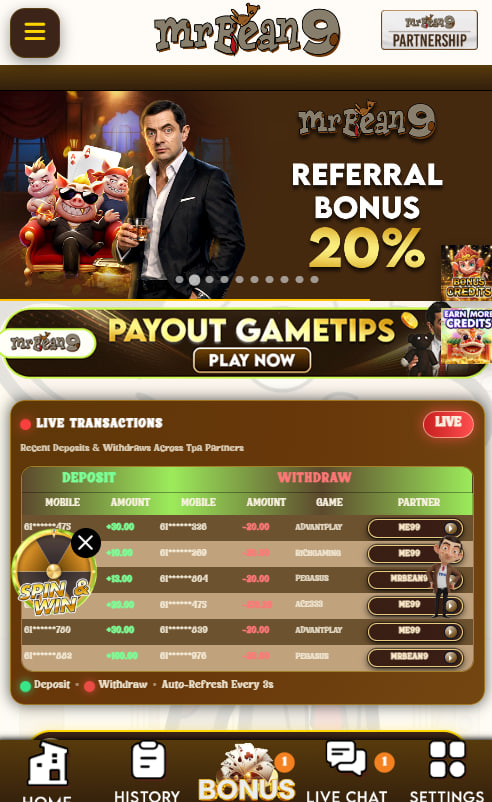
Mr Bean Casino arrives on iPhone and Android through a Progressive Web App rather than a separate download from Google Play or the App Store. For Aussie members, that means the casino lives on the home screen, launches in full screen like any native app, and stays updated automatically without trips through a store update queue. The guide below walks through why no native app exists for Australian real-money casinos, how the install lands in two taps on iPhone, the same flow on Android, and what works inside the mobile version once it is set up.
Why no Mr Bean Casino app sits in the store
Aussie players who search Google Play or the App Store for a Mr Bean Casino or MrBean9 download will not find one, and no separate APK file circulates outside the stores either. Real-money casinos are restricted from listing under Australian app distribution policies, which means every offshore casino targeting AU members runs through the browser instead.
The Progressive Web App model turns that restriction into a strength. The same code that powers the desktop site powers the mobile version, so updates appear instantly without an approval queue, new pokies arrive on launch day, and members never download a separate file that could be flagged or out of date.
Adding Mr Bean Casino to an Android home screen
Android Chrome handles the install in a handful of taps. The default browser detects the Progressive Web App and offers a prompt — and if not, the same option sits inside the browser menu, ready to add the casino icon in seconds.
Android Chrome install steps
- Open Chrome on the Android phone or tablet and visit the Mr Bean Casino site
- Tap the three-dot menu in the top-right corner of the browser
- Select Install app or Add to Home screen from the menu
- Confirm the prompt and watch the casino icon appear on the home screen
The new icon launches the casino in full-screen mode, with the browser controls hidden by default. Older Android versions that do not show the install option still support a Home screen shortcut, which lands at the same login page through a regular browser tab.
Saving Mr Bean Casino to an iPhone home screen
iPhone installs run through Safari rather than Chrome. The PWA-install mechanic on iOS is tied to Apple's own browser engine, so Safari is the cleanest path — Chrome on iPhone runs on the same engine but does not show the install option in the same way.
iPhone Safari install steps
- Open Safari and visit the Mr Bean Casino site
- Tap the Share icon — the square with the upward arrow at the bottom of the screen
- Scroll the share sheet and select Add to Home Screen
- Confirm the icon name on the next screen
- Tap Add to drop the casino icon onto the home screen, ready to launch like any app
The iOS install behaves identically on iPad through Safari, so tablet members follow the same flow without any extra setup. The icon launches the casino in full-screen mode that matches the desktop and Android versions.
What changes between a PWA and a downloaded app
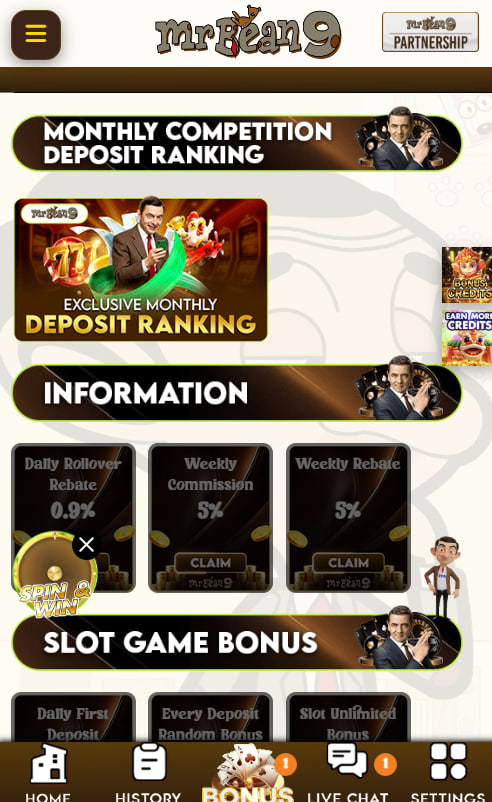
The Progressive Web App handles almost every job a native casino app would handle — login, deposit, withdrawal, live chat, document upload — and matches the desktop experience tap for tap. Two small differences are worth knowing before the first session, since one of them sits on Apple's side rather than the brand's.
PWA versus native — feature view
| Capability | PWA experience |
|---|---|
| Install speed | Two taps from the browser |
| Updates | Automatic, no store delay |
| Storage footprint | Lighter than a downloaded app |
| Push notifications on iOS | Limited by Apple's PWA rules |
| Full-screen play | Identical to native |
For day-to-day pokie sessions, the difference is invisible to most Aussie members.
What works inside the mobile Mr Bean Casino lobby
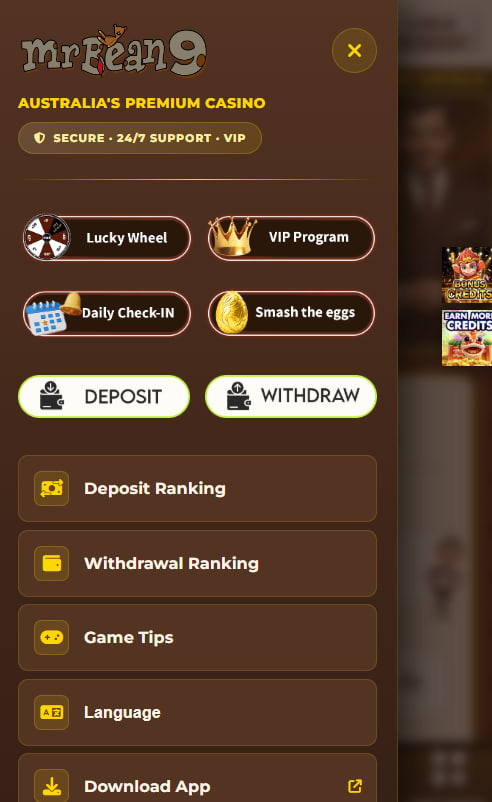
Everything the desktop site offers carries across to the mobile install. Pokies load in portrait or landscape mode, live dealer rooms stream over mobile data without losing the same multi-camera angles, and the cashier accepts PayID deposits straight from the in-account dashboard.
What members can do from a phone or tablet
- Spin pokies in portrait or landscape orientation
- Join live dealer tables with HD streaming over Wi-Fi or mobile data
- Deposit and withdraw via PayID and other supported methods
- Reach live chat support from inside the dashboard
- Upload KYC documents through the phone's camera
- Activate bonuses and check the promotions tab on the move
Members who have not yet opened an account can step into the sign-up walkthrough first, then come back to install the mobile version once the profile is verified.

Thaddeus Pickwick
Thaddeus Pickwick reviews Mr Bean Casino at mr-beancasino.com — the AU-focused offshore platform (also stylised MrBean9) running on Curaçao eGaming 8048/JAZ (the 3rd site in the AU series with this licence after Asino and Lucky Hunter). Covers the A$200 + 100 FS welcome with selected pokies drip-fed, PayID-led cashier across CommBank/ANZ/NAB with AUD native play, real-money pokies + progressive jackpot reels + live dealer HD + pokies tournaments, KYC at first withdrawal, the Progressive Web App for iPhone Safari and Android Chrome, and the ~4-star Trustpilot footprint from Australian reviews.